Sharing: let parents bring you the next booking
2026-10-24
For operators, marketing, office
The best moment for a recommendation is the one right after the
booking worked out. The anticipation is there, the child is
sitting next to the parent, and the question "which week are the
others from school going to?" is in the air anyway. That is
exactly where the sharing add-on puts a recommend button: on the
confirmation page, right after the registration.
One tap, and the offer is in the class chat group
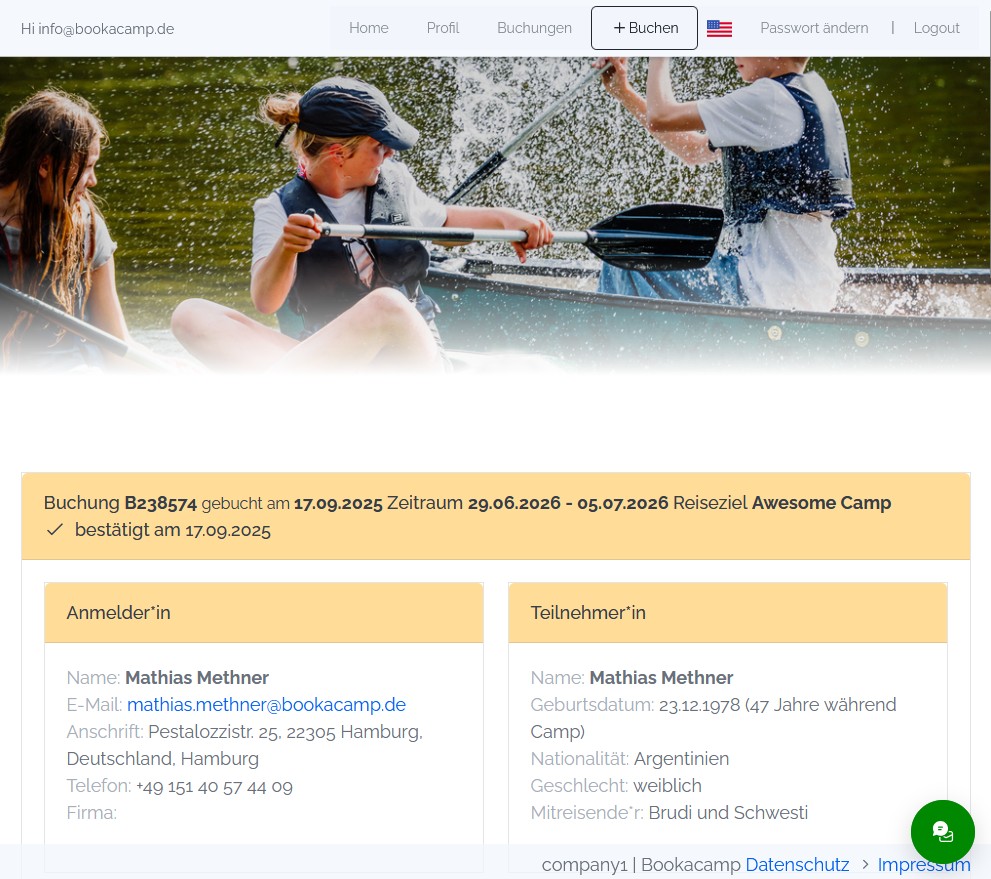
Below every registration on the confirmation page there is a row
with three ways: WhatsApp, copy
link and email. If the device offers its
own share menu, a fourth button appears that also reaches Signal,
Threema or the photos app. All of them sit next to each other,
there is no menu to open first - one tap is enough.
WhatsApp receives a finished message: "I registered with you -
here you can register as well", including the link. It is written
and sent by the parents themselves, in their own chat, to the
people they would have asked anyway.
What the recipient sees
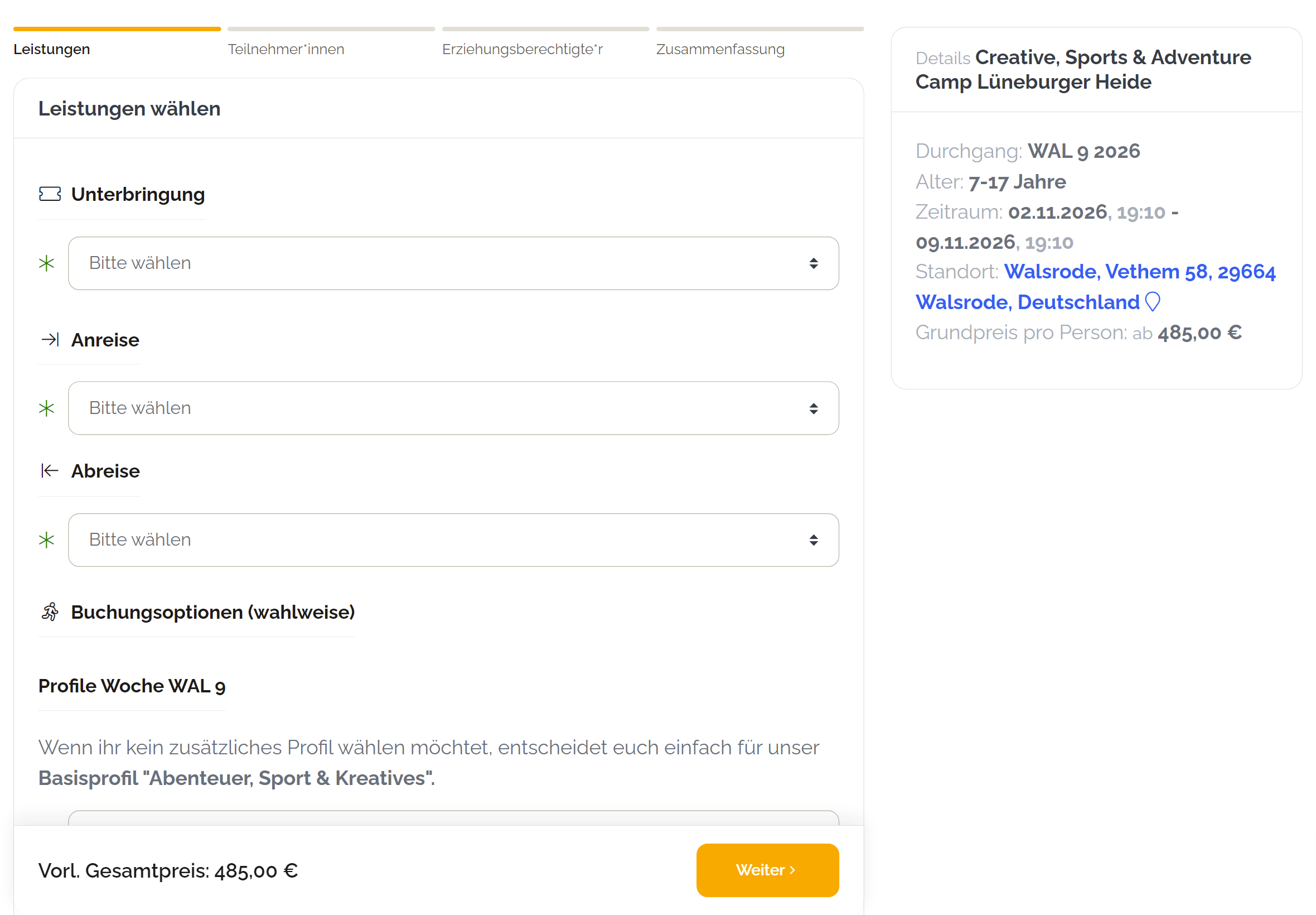
The link leads to a page in your account with a single subject:
the offer. Image, title, dates, location, duration, price, free
spots - and a booking button that goes straight into your booking
form for exactly that session. If the session is booked out or
over by then, the page says so and leads on to your offer overview
instead of into a dead end.
In WhatsApp, Signal or iMessage a preview card appears before
anyone clicks, carrying your image, your offer title and
your name - not a grey line with a bare address, and not
the Bookacamp logo either. In a chat group that card is what
decides whether anyone clicks at all.
Groups and your own team recommend you as well
The button is not limited to a family registration. After a group
booking - a programme group or a hotel group - it sits on the
confirmation of the group, and the wording follows: "We booked
with you - here you can book as well." The teacher who booked the
class trip passes the offer on to the parallel class or to a
colleague at the next school.
For a programme offering the page shows what a group needs to
know: duration, group size, age range and price,
plus a button that leads straight into the request. Fixed dates
and free spots are deliberately absent - a group brings its own
period.
And whoever joins your team usually knows someone else who would
do the same. After a teamer application the same button sits on
the confirmation, this time with "I applied at you - here you can
apply as well". The link leads to your application form, never to
the application of the person who shared it. For finding
counsellors that is the cheapest channel there is: a
recommendation from someone who already knows the job.
What is not shared
The link carries no personal data. No name, no
address, no booking number, no access key to the booking. The
address contains a random key that points to the shared offer and
nothing else - whoever receives it sees the offer and that is all.
Who recommended what to whom appears nowhere on the page.
Forwarded links stay harmless that way: a link passed around a
chat group twenty times leads twenty times to the same offer and
never to another family's registration. If a link should stop
working, switch sharing off in your account - the links already
sent go quiet with it.
Your customers send it, not we
There is deliberately no field where someone types the email
address of a befriended family so that the system sends them a
recommendation. In Germany such a mail counts as advertising by
the operator and is not permitted without the consent of the
recipient, no matter that a third party triggered it. So sending
stays where it belongs: in the messenger and the mail program of
your customers. You get the reach without carrying the risk.
Switching it on
You activate the sharing add-on under account settings →
sharing. There you switch the add-on on and decide separately
whether the recommend button should appear in the booking
system and whether it should appear in the teamer
add-on - the two areas work independently, so you can
start with one of them. Switching an area off takes the links
already sent from that area down with it. Your embeds on your
website stay unchanged - they are the same links as before.
Author: Mathias Methner
Link of this article